
You notice a fine line across your lens, maybe from a careless wipe or a bump in your bag. Your first thought: Can I fix this? The internet is full of DIY hacks promising to erase scratches with toothpaste or baking soda. But here is the hard truth: you cannot safely remove scratches from camera lens glass at home without risking permanent optical damage.
Modern camera lenses are precision instruments with delicate multi-coatings that reduce glare, repel water, and prevent smudges. These coatings are far more fragile than the glass itself. Any abrasive method, no matter how gentle, will strip these coatings long before it touches the scratch. And once the coating is gone, you have created a permanent haze that affects every photo you take.
The good news? Most front-element scratches do not impact image quality. Extensive optical testing shows even heavily scratched lenses produce indistinguishable results from pristine ones under normal conditions. The scratch you see when inspecting the glass rarely shows up in your images.
So what should you do? This guide cuts through the myths and gives you realistic, safe strategies to manage scratches, whether on a DSLR, mirrorless, or smartphone camera. You will learn when to ignore it, how to reduce flare, when a UV filter helps, and what professionals actually do.
Assess Scratch Impact First
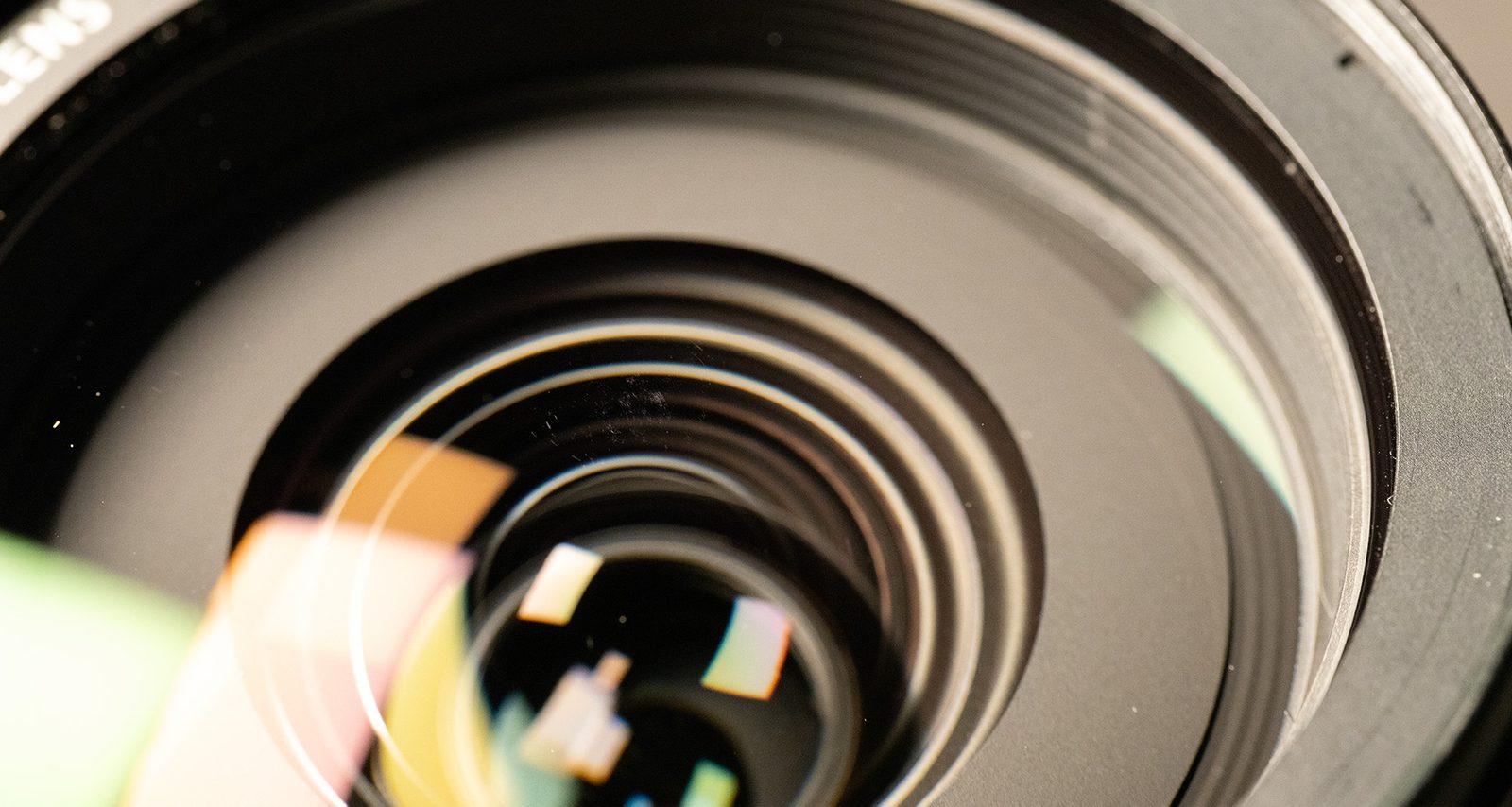
Before taking action, determine if the scratch affects your photos.
Test for Image Degradation
Take a photo of a bright, high-contrast scene, like the sun just above a building or trees. Review the image at 100% zoom. Look for:
- Soft spots or dark blotches
- Unusual flare patterns or ghosting
- Reduced contrast in specific areas
If your image looks normal, the scratch is cosmetic. It is not harming your photos. Many photographers shoot with scratched lenses for years without issue.
Front vs. Rear Element Differences
- Front element scratches: Almost always harmless. Light scattering is diffused over the sensor and rarely visible.
- Rear element scratches: More concerning. Closer to the sensor, they can affect sharpness and contrast. But these are rare and usually only occur after impact or improper cleaning.
If you cannot see the scratch affecting your images, the best move is to do nothing.
Why DIY Scratch Removal Fails
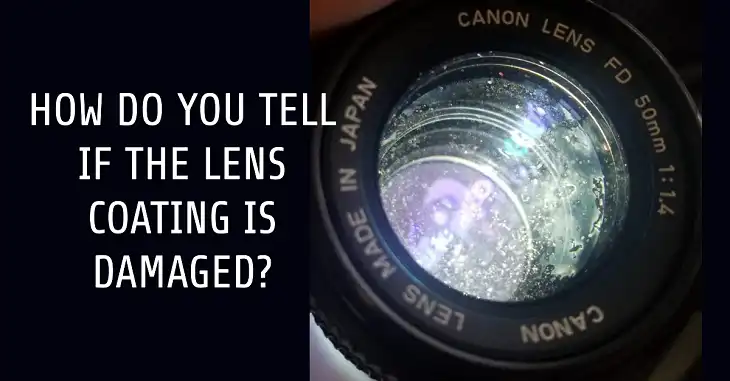
Toothpaste and Baking Soda Myths
You have seen the tutorials: “Remove lens scratches with toothpaste!” But this advice is dangerously misleading for camera lenses.
- Toothpaste contains mild abrasives designed for enamel, not optical coatings. On a camera lens, it removes the anti-reflective and hydrophobic layers first, leaving a cloudy spot.
- Baking soda paste is even more abrasive. It may polish phone glass slightly, but on a coated lens, it causes irreversible haze.
Experts agree: you would destroy the optical coatings long before the scratch was gone. What starts as a minor scratch becomes a permanent optical defect visible in every shot.
Phone Lenses vs. Camera Lenses
There is a key difference:
- Smartphone lenses: Often made of simpler glass with less complex coatings. Mild abrasives might reduce the appearance of surface scratches.
- DSLR/mirrorless lenses: Have multi-layer chemical coatings. Polishing them ruins the lens’s optical performance.
Using toothpaste on a phone lens is a calculated risk. On a $1,000 camera lens, it is a guaranteed downgrade.
What Damages Lens Coatings Instantly
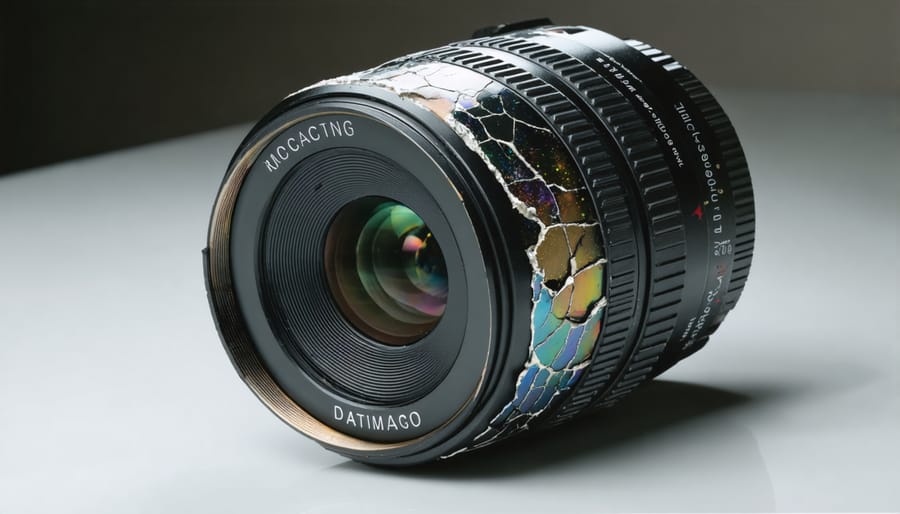
Avoid these substances at all costs because they destroy coatings in seconds.
Harsh Chemicals to Avoid
- Alcohol: Strips hydrophobic and anti-reflective coatings.
- Acetone: Dissolves lens cement and coatings.
- Bleach or ammonia-based cleaners: Cause permanent hazing and clouding.
Even water-isopropyl mixtures, while safe for cleaning smudges, offer no benefit for scratches and can worsen the situation if rubbed with pressure.
Abrasive Tools That Harm
- Paper towels, tissues, shirt tails: Contain wood fibers that act like sandpaper.
- Non-lens cloths: Can embed grit and cause micro-scratches.
- Sandpaper or glass polish kits: Designed for car windshields or windows, not precision optics. Using them ruins light transmission.
Professional Scratch Repair Options
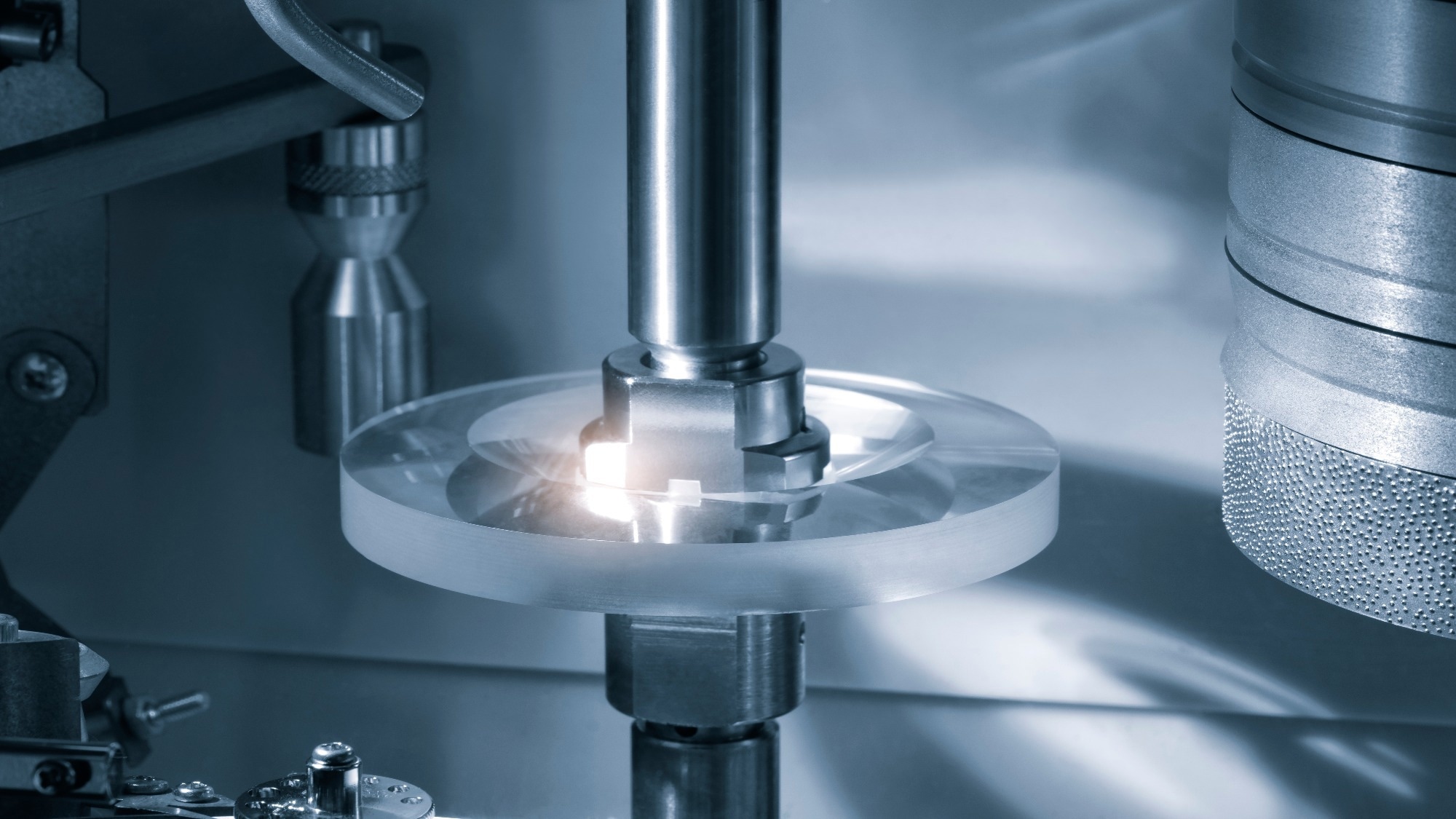
Element Replacement: The Standard Fix
The only reliable way to “remove” a scratch is to replace the damaged lens element. But this is expensive:
- Cost often exceeds the lens’s value
- Requires factory-level disassembly and recalibration
- Not offered for all lens models
Most repair shops will not perform this unless the lens is high-end, such as Canon L-series or Nikon Z primes.
Advanced Refurbishment Technologies
New professional methods exist but are not consumer-accessible:
- Laser-assisted polishing: Uses controlled lasers to smooth microscopic imperfections without contact.
- Micro-scratch removal systems: Precision tools that target fine scratches while preserving coatings.
- Coating-rebuilding processes: Reapply optical coatings after surface correction, only possible in industrial labs.
These are used by refurbishment centers to restore lenses for resale, but they are costly and rare.
Safe Scratch Mitigation Strategies
Since removal is not practical, focus on reducing the scratch’s impact.
Use the Black Marker Trick
If a scratch causes flare or ghosting in backlit shots, fill it with a black permanent marker.
How to Apply
- Clean the lens with a blower and microfiber cloth.
- Use a fine-tip Sharpie to dab ink directly into the scratch.
- Wipe excess ink from the surrounding glass with a damp cloth.
- Let dry and test.
How It Works
The black ink absorbs stray light instead of letting it scatter. This eliminates flare caused by the scratch without touching the coating.
Note: Only use on the front element. Never apply to rear or internal elements.
Prevent Future Scratches

Prevention is far more effective than repair.
Install a UV or Clear Filter
A high-quality UV or clear protective filter acts as a sacrificial shield.
- Scratches happen to the filter, not the lens.
- Filters cost $20 to $50; replacing a front element costs hundreds.
- Use multi-coated filters to minimize flare risk.
While purists argue filters can reduce contrast, the trade-off is worth it for active shooters or those in dusty environments.
Handle Lenses Safely
- Never place lenses face down on tables or bags.
- Use padded lens pouches inside your camera bag.
- Avoid storing with keys, batteries, or sharp objects.
- Use lens caps front and rear when not shooting.
For smartphones, choose cases with raised camera edges to keep lenses off surfaces.
Proper Cleaning to Avoid Scratches
Most scratches occur during cleaning, not accidents.
Clean Without Causing Damage
Tools You Need
- Lens blower: Removes dust before wiping.
- Microfiber cloth: Lint-free, designed for optics.
- Lens cleaning fluid: Specifically formulated for coated glass.
Correct Technique
- Blow off loose particles; never wipe dust directly.
- Apply one drop of fluid to the cloth (not the lens).
- Wipe gently in circular motions from center to edge.
- Use light pressure; no scrubbing.
Never use: Paper towels, tissues, or clothing.
When Disassembly Goes Wrong
Some users try to clean internal dust by disassembling their lenses. Do not.
Risks of DIY Lens Disassembly
- Dust contamination: Without a clean room, you will trap more dust inside.
- Misalignment: Lenses are calibrated to microns. Even slight shifts ruin focus.
- Scratches during reassembly: Tools or fingers can nick elements.
- Warranty void: Self-repairs cancel manufacturer coverage.
One user dismantled an 18-135mm lens to remove dust, only to scratch the front element in the process. His conclusion? That is a lesson learned the hard way.
Scratch Management by User Type
Different users need different strategies.
Casual Photographer
- Scenario: Minor front scratch, no image issues.
- Action: Do nothing. The scratch is not hurting your photos.
Landscape or Backlit Shooter
- Scenario: Scratch causes flare in sunrise or sunset shots.
- Action: Apply black marker trick to reduce light scatter.
Active or Clumsy Shooter
- Scenario: Frequent bumps, sand, or drops.
- Action: Use a UV filter as insurance. Replace the filter, not the lens.
Smartphone User
- Scenario: Small scratch on phone camera glass.
- Action: Try toothpaste cautiously, only if the lens is uncoated or low-cost. Test on a small area first.
Professional or Reseller
- Scenario: Deep scratch lowering resale value.
- Action: Seek professional refurbishment or element replacement.
DIY Enthusiast
- Scenario: Wants to “fix” the lens.
- Action: Stop. The risk far outweighs the benefit. Focus on prevention instead.
Frequently Asked Questions About Removing Scratches from Camera Glass
Can toothpaste really remove scratches from a camera lens?
No. Toothpaste contains mild abrasives that will strip the anti-reflective and hydrophobic coatings on your lens before they touch the scratch itself. This creates a permanent hazy spot that degrades every photo you take. It is only a calculated risk for some uncoated smartphone glass.
Do front element scratches affect image quality?
Rarely. Testing by optical experts shows that even heavily scratched front elements produce results indistinguishable from pristine lenses under normal conditions. The light scatter from a front scratch is too diffused to register as a visible defect in most images.
What is the black marker trick for lens scratches?
You fill a scratch with a fine-tip black permanent marker like a Sharpie. The ink absorbs stray light that would otherwise scatter and cause flare in backlit shots. It is a cosmetic fix for the effect of the scratch and should only be used on the front element.
Is it worth installing a UV filter to protect my lens?
For active shooters or those in harsh environments, yes. A quality multi-coated filter acts as a cheap, replaceable shield. If you scratch it, you replace a $30 filter instead of a $500 lens element. Purists may argue against filters, but the protection is valuable insurance.
Can I disassemble my lens to clean internal dust?
No. Without a certified clean room, you will introduce more dust than you remove. You also risk misaligning the optics, scratching elements with tools, and voiding your warranty. Internal dust rarely affects image quality and is best left alone.
When should I seek professional lens repair?
Seek professional help only for deep scratches on high-end lenses that affect resale value or image quality. Professionals can perform element replacement or use advanced laser-assisted polishing, but these services are expensive and often cost more than the lens is worth.
Final Verdict on Removing Scratches from Camera Glass
Do not try to remove scratches from interchangeable camera lenses at home. The internet is full of misleading hacks, but the optical reality is clear: any method that could remove glass will destroy the lens coatings first. What you gain in scratch reduction, you lose in optical performance.
Your Action Plan
- Test your photos. If no flare or softness appears, ignore the scratch.
- Use a black marker if flare shows up in backlit shots.
- Add a UV filter to protect against future damage.
- Accept minor imperfections. They do not affect image quality.
- Never use abrasives, chemicals, or disassemble the lens.
A scratched lens does not make you a worse photographer. In fact, it is proof you have been out shooting, which is where it matters.